Tanker Maintenance and Compliance Software
Planned maintenance, spare parts, crew certificates, hours of rest and ISM, MARPOL and ballast water records for crude, product, chemical and gas tanker fleets.
Who this is for
- You run the technical, crewing or HSQE side of a crude, product, chemical or gas tanker fleet
- Inspections and audits keep asking for the same evidence: maintenance history, certificates, rest hours, drills
- Hours of rest during cargo operations are hard to keep accurate on paper
- MARPOL and ballast water records, ISM items and checklists are spread across ships and shared folders
- Your chartering, vetting, voyage and emissions work already runs in other tools, and you want those left as they are
Tankers work under close scrutiny: charterer and terminal inspections, port state control, flag and class surveys, and the company's own audits. Much of what those inspections look at is not commercial at all. Is critical equipment maintained, are crew certificates valid, were hours of rest respected, were drills held, are the MARPOL and ballast water records complete?
SupaMaritime Merchant is maintenance, spare parts, crew and compliance software for that side of a tanker operation. It keeps planned maintenance and work orders tied to equipment, spare parts in an onboard inventory, crew certificates and hours of rest checked against MLC and STCW limits, and a compliance hub for ISM, ISPS, audits, drills, insurance inspections, vessel certificates, MARPOL and ballast water records, per vessel and across the fleet.
It is not a vetting, commercial or emissions system. There is no SIRE 2.0 module and no connection to OCIMF, and no voyage P&L, chartering, cargo or dangerous goods documentation, bunker management or CII, EU ETS and FuelEU reporting. Those stay in the tools you already use; SupaMaritime does not connect to them.
Where the day breaks down
Inspection evidence lives in too many places
Before an inspection or audit, someone has to pull maintenance history, certificates, rest-hour records, drill reports and checklists from logbooks, folders and inboxes on board and ashore.
Maintenance history is hard to show
Cargo pumps, inert gas plant, fire-fighting and safety equipment all need planned maintenance. When the records sit in a spreadsheet per ship, proving what was done and when takes time.
Rest hours under pressure during cargo operations
Loading, discharging, tank cleaning and inspections stretch the working day. Rest-hour sheets filled in afterwards hide shortfalls until an auditor finds them.
MARPOL and ballast water records on paper
Oil, garbage, sewage and air pollution entries and ballast water operations are handwritten on board, so the office has little visibility of them between visits.
Certificates expire on different dates
Crew certificates, vessel certificates and inspection dates each run on their own calendar. Across several tankers, tracking them by email and spreadsheet is where renewals slip.
Spare parts stock is a guess
Parts are used without being booked out and stock levels drift, so orders go out late or twice and the office cannot see what each ship actually holds.
Built around the workflow, not bolted on top
SupaMaritime Merchant brings maintenance, spare parts, crew and compliance records for each tanker into one web app, with a fleet view for the office. Here is what it does, and only what it does.
Planned maintenance and work orders
Maintenance tied to an equipment register and scheduled by calendar or running hours. Work orders are opened and closed on board, and defects are recorded against the equipment.
Onboard inventory and spare parts
Spare parts are kept in an onboard inventory; parts used on a job come off stock. Inventory orders track what has been requested for each vessel.
Crew certificates and hours of rest
Crew records with certificates and expiry alerts, a duty roster, timesheets and leave requests. Hours of rest are checked against MLC and STCW limits.
ISM, ISPS, audits and drills
A compliance hub for ISM and ISPS items, audits and drills, insurance inspections and vessel certificates with expiry reminders.
MARPOL and ballast water records
MARPOL record entries for Annexes I, IV, V and VI, and ballast water (BWM) records, kept per vessel and visible from the office.
Checklists, logbooks, documents and dashboard
Checklists, logbooks and documents with expiry reminders, plus a fleet dashboard of overdue maintenance, expiring documents, low stock and open defects.
Illustrative example: a product tanker operator gets its records ready for inspections
A hypothetical operator manages three product tankers. Chartering, vetting submissions and voyage accounts stay with the commercial and vetting teams in their own tools. The HSQE manager wants maintenance, crew and compliance records for all three ships in one place, so that evidence is not assembled by hand before every inspection.
Before SupaMaritime
After SupaMaritime
Maintenance of cargo pumps and safety equipment is tracked in a different spreadsheet on each ship.
Maintenance is scheduled against each ship's equipment register by calendar or running hours, and work orders and defects are recorded on board.
Rest hours are written on paper and checked by hand before audits.
Parts used on a job come off the onboard inventory, and low stock appears on the dashboard.
Crew certificate expiry dates are kept in an office spreadsheet that falls behind after crew changes.
Crew enter hours of rest in the app, which checks them against MLC and STCW limits.
Drill reports, ISM items and checklists sit in binders on board and in shared folders ashore.
Crew and vessel certificates carry expiry alerts, visible across the fleet.
MARPOL and ballast water entries exist only in the paper record books.
Drills, audits, insurance inspections, ISM and ISPS items are logged in the compliance hub, with checklists and documents alongside.
Nobody in the office knows which spare parts each ship holds.
MARPOL Annex I, IV, V and VI entries and ballast water records are kept per vessel and visible from the office.
Facts you can check
Rest hours are checked against MLC and STCW limits, so shortfalls show up before an inspector finds them.
Entries for MARPOL Annexes I, IV, V and VI, plus ballast water (BWM) records, per vessel.
Databases in London (UK), application servers in Paris, under a GDPR Data Processing Agreement.
Export your data at any time, with files in their original format and no export fee.
SIRE 2.0 inspections and the records behind them
OCIMF's SIRE 2.0 programme, introduced in 2024, changed how tanker inspections are carried out. Inspectors put more weight on crew competence and on how work is actually done on board, and less on paperwork alone. The report is still what charterers and terminals read when they decide whether to use a vessel.
SupaMaritime Merchant is not a vetting tool. It has no SIRE 2.0 module, no question library, no connection to OCIMF and no way to prepare or submit an inspection. Vetting stays with your vetting team and the tools they use.
What Merchant does keep are the everyday records an inspection draws on: maintenance history and defects per piece of equipment, crew certificates with expiry dates, hours of rest checked against MLC and STCW limits, drills, ISM and ISPS items, checklists and documents. Having them in one place per vessel makes them easier to find; whether they satisfy a given inspector is not something software can promise.


One view of the fleet from the office
When each tanker keeps its records in its own files, the office finds out about gaps when someone reports them, or when an inspector does. The superintendent emails the ship to ask what is overdue, which certificate expires next and whether the last drill was held.
In SupaMaritime Merchant the office sees every vessel in one multi-vessel view. The dashboard shows overdue maintenance, expiring documents, low stock and open defects, and each record opens the vessel it belongs to. Permissions are set by role and department, so crew see their own ship and the office sees the fleet.
The app runs in the browser on desktop, tablet and phone, in English, Italian, Spanish, French, German and Portuguese. On board, the last synced data stays readable when the signal drops. Crew can also send messages, voice notes and photos through the Telegram assistant, and an AI assistant answers questions from the manuals and documents you upload.
Bunkering and MARPOL records: what SupaMaritime keeps, and what it does not
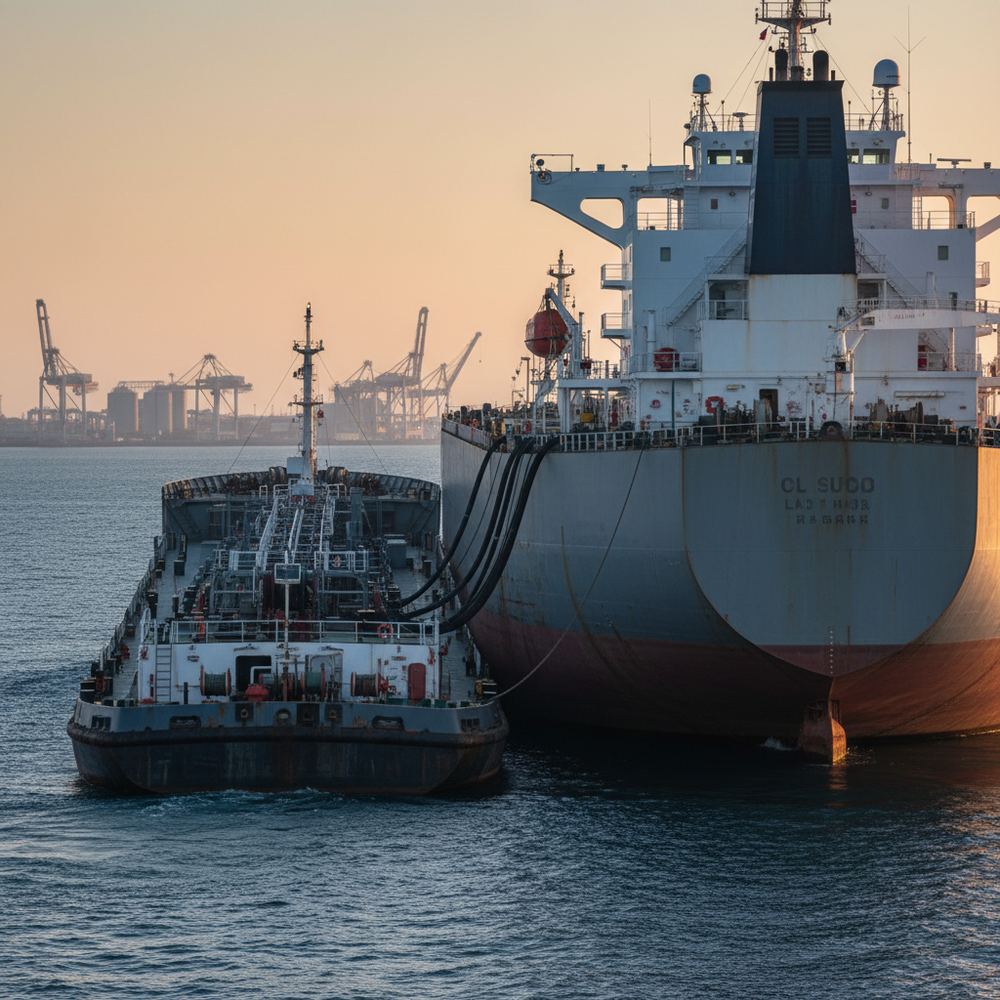
Bunkering is a commercial decision and an operational event. The commercial side, choosing where to stem, how much and from which supplier, is not part of SupaMaritime Merchant: there is no bunker procurement, price comparison or fuel management, and no connection to the tools that do it.
The operational side leaves records. MARPOL Annex I covers oil, and Annex VI covers air pollution, and both require entries on board. Merchant lets the crew keep MARPOL record entries for Annexes I, IV, V and VI, plus ballast water (BWM) records, per vessel, so the office can see them without waiting for the next visit. Before relying on any electronic record in place of an official record book, check what your flag administration accepts.
The equipment involved, from transfer pumps to the oily water separator, can sit in the equipment register with planned maintenance by calendar or running hours, and defects are recorded against it.
CII, EU ETS and FuelEU: outside SupaMaritime's scope
Tanker operators now report emissions under several regimes. The IMO Carbon Intensity Indicator (CII) rates ships of 5,000 GT and above every year since 2023, the EU Emissions Trading System has covered shipping since 2024, and FuelEU Maritime has applied since January 2025.
SupaMaritime Merchant does not calculate, monitor or report any of these. It has no CII rating, no EU ETS or MRV reporting, no FuelEU calculation and no fuel consumption tracking. Keep the tools or service providers you use for emissions today.
What Merchant covers is the technical and compliance work around the ship: planned maintenance, spare parts, crew certificates and hours of rest, ISM and ISPS items, audits and drills, vessel certificates, and MARPOL and ballast water records, including Annex VI entries.
How this compares to the alternatives
Commercial and voyage management platform used by tanker operators for chartering, voyage estimation and laytime. It covers different work from SupaMaritime Merchant.
Widely known for the Q88 vessel questionnaire used in tanker chartering and vetting. It covers different work from SupaMaritime Merchant.
Shipping software suite covering technical, crewing and commercial management.
Technical ship management and maintenance systems used by merchant fleets.
Ship management suites covering areas such as maintenance, procurement and crewing.
Frequently asked questions
Does SupaMaritime Merchant handle SIRE 2.0 or other vetting inspections?
How is it different from commercial tanker platforms?
Can we keep MARPOL Annex I and ballast water records in it?
Does it report CII, EU ETS or FuelEU?
Does it handle dangerous goods or cargo documentation (IMDG, IBC, IGC)?
Does it connect to bunker procurement, AIS or other software?
Where is our data hosted, and how is it protected?
How do we get started, and what does it cost?
See it in your workflow, not a generic demo
We'll walk through built for tanker operators.
Free plan with Dashboard, Contacts, Inventory and Documents. Pro is €199 per vessel per month + VAT. For larger fleets, contact us for a quote.